Video & YouTube to text
Upload MP4, MOV, or WEBM files — or drop a podcast episode — and get a timestamped transcript ready to edit, search, or export.
ScribeChrono is a Chrome extension that lets users transcribe audio and video files from a side panel while browsing. It connects to the same ScribeChrono account as the web app, supports microphone and tab audio capture, and can send finished transcripts to AI assistants such as ChatGPT or Claude.
Turn meetings, YouTube videos, podcasts, and interviews into searchable text — without leaving your browser. Upload a file, record live audio, or capture tab sound from the ScribeChrono side panel.
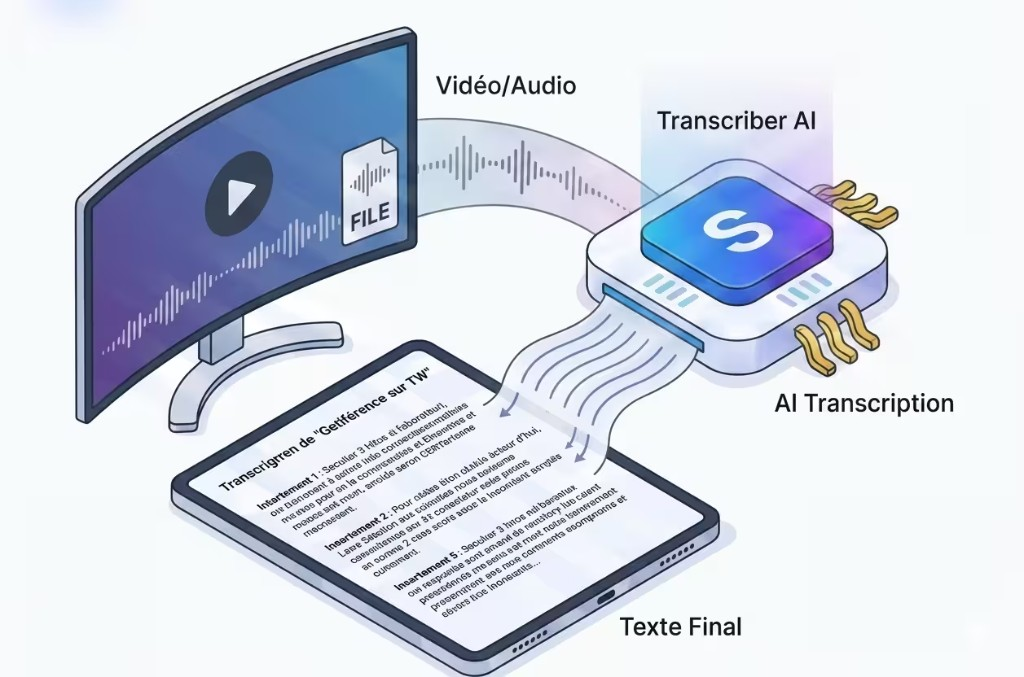
From MP3, MP4, WAV, or live recording to a polished transcript in minutes.
Looking for a Chrome extension to transcribe audio to text or convert video to text? ScribeChrono combines accurate AI speech-to-text, a persistent side panel, meeting transcription, and one-click export to ChatGPT, Claude, Gemini, and your ScribeChrono dashboard — with GDPR-friendly EU hosting and no training on your data.
Use cases
From quick voice notes to long-form media — the same extension handles every audio-to-text workflow.
Upload MP4, MOV, or WEBM files — or drop a podcast episode — and get a timestamped transcript ready to edit, search, or export.
Record microphone or tab audio during Zoom, Teams, or Google Meet calls. Ideal for journalists, lawyers, and consultants who need verbatim notes.
Convert MP3, WAV, M4A, and AAC to clean text with speaker labels. Perfect for show notes, SEO blog posts, and content repurposing.
Keep ScribeChrono open in Chrome's side panel: upload, track progress, and open transcripts without switching tabs or apps.
Summarize, chat, or translate from the extension — ScribeChrono opens ChatGPT, Claude, Gemini, or Google AI with your transcript attached as a .txt file.
Credits, history, and exports sync with scribechrono.com, Google Docs add-on, and Word. One login, every device.
Chrome Web Store
ScribeChrono requests only the Chrome permissions required for the side panel, transcription, and optional AI handoff.
Permission: sidePanel
Displays the ScribeChrono interface in Chrome's built-in side panel so you can transcribe while reading any webpage.
Permission: tabs · offscreen
Opens transcript pages, navigates to AI assistants when you choose Summarize or Chat, and captures microphone or tab audio in a secure offscreen document.
Permission: content_scripts
Pre-approved scripts on ChatGPT, Claude, Gemini, and scribechrono.com insert your transcript when you explicitly trigger an AI action — never in the background.
ScribeChrono does not request storage or broad scripting permissions. Your session lives on scribechrono.com; the extension only bridges the browser to your account.
Step-by-step guide
Free to install from the Chrome Web Store — connect your account and start transcribing in minutes.
Search for ScribeChrono — AI Transcription or use the install button on this page. Click Add to Chrome and pin the extension for quick access.
Developer install: load unpacked from chrome://extensions if you are testing a local build.
Click the ScribeChrono icon and sign in with Google, Microsoft, or email — the same credentials as the web app. Your credit balance and transcription list appear instantly.
ScribeChrono panel
Drop MP3, MP4, WAV…
or record microphone / tab audio
Upload audio or video, record live, then open the transcript. Use Actions to summarize in ChatGPT, export TXT/SRT, or open the full editor on scribechrono.com.
Actions
Opens ChatGPT, Claude, Gemini… with your transcript attached.
Pricing
Free tier includes monthly minutes. Upgrade for longer files, priority queues, and team features.
Fatura dönemini seçin
ScribeChrono'yu keşfedin.
Transkripsiyon
Dışa aktarmalar
Oluşturmak ve yayınlamak için tam paket.
Yıllık 95.88 $ faturalandırılır
Transkripsiyon
Zeka
Çeviri
Düzenleme ve dışa aktarmalar
Maksimum hacim, öncelik ve güvenlik.
Yıllık 239.88 $ faturalandırılır
Hacim
Pro'daki her şey, artı
Hizmet
* Business: adil kullanım · altyapıyı korumak için ayda 300 saat teknik sınır.
Yes — installation is free. Every account includes free monthly transcription minutes on the web and in the extension. Paid plans add more credits and advanced exports.
Upload the downloaded audio or video file to the side panel, or record tab audio while the video plays. ScribeChrono extracts speech and returns a full text transcript.
An internet connection is required for AI transcription and account sync. The side panel loads your ScribeChrono workspace from our secure servers.
Uploads are encrypted in transit, processed in isolation, and not used to train public AI models. You can delete files from your dashboard at any time. See our privacy policy for GDPR details.
The Chrome extension works on any website with a side panel — ideal for browsing, recording, and sending transcripts to external AI tools. The Google Docs add-on inserts text directly into documents you are editing.
Gizlilik politikası · Hizmet şartları · Google Docs addon · support@scribechrono.com